01
Colorize Black & White Photos
Automatically add realistic, vivid color to any grayscale or black and white photograph using AI
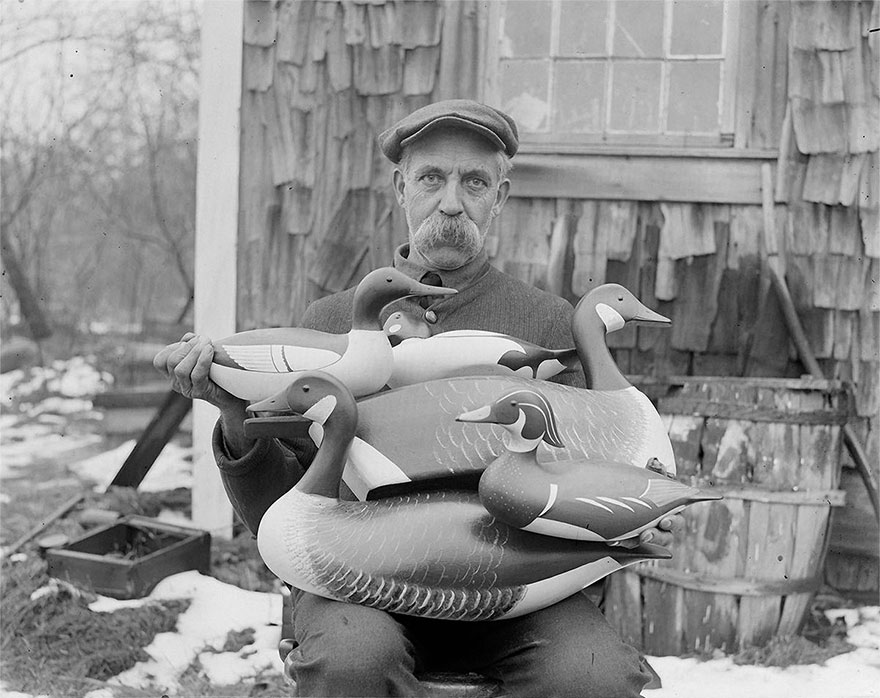
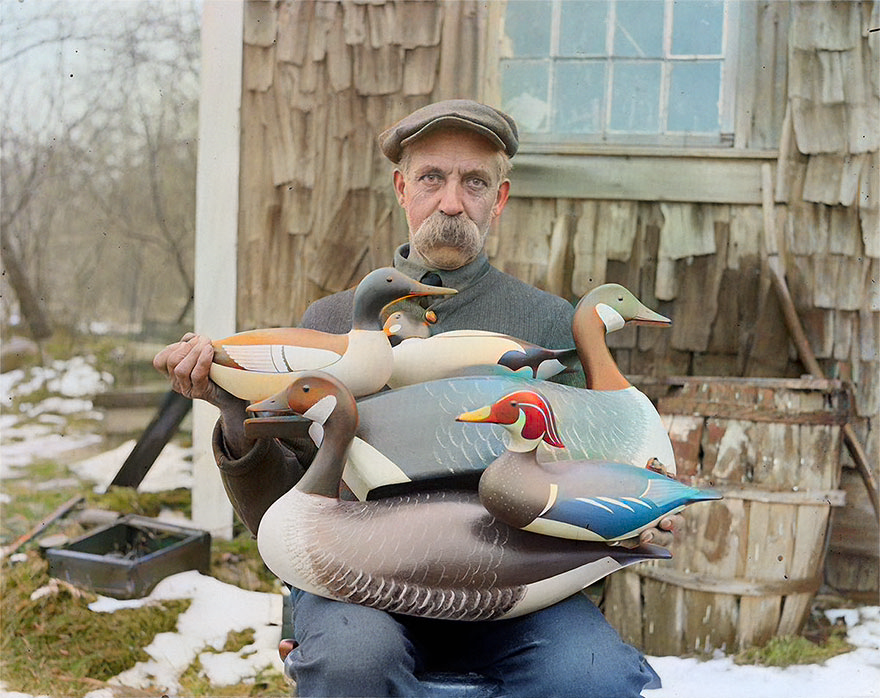 Black & White Colorized
 Turn black & white photos into vivid color. Repair scratches on old images. Erase unwanted objects. Upscale to crystal-clear HD — all in one free app.
See real results — drag the slider to compare before and after
Automatically add realistic, vivid color to any grayscale or black and white photograph using AI
Black & White Colorized AI-powered repair for scratches, cracks, fading, and face enhancement on aged photographs
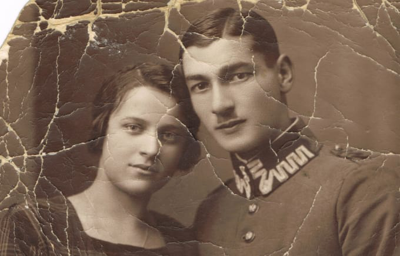
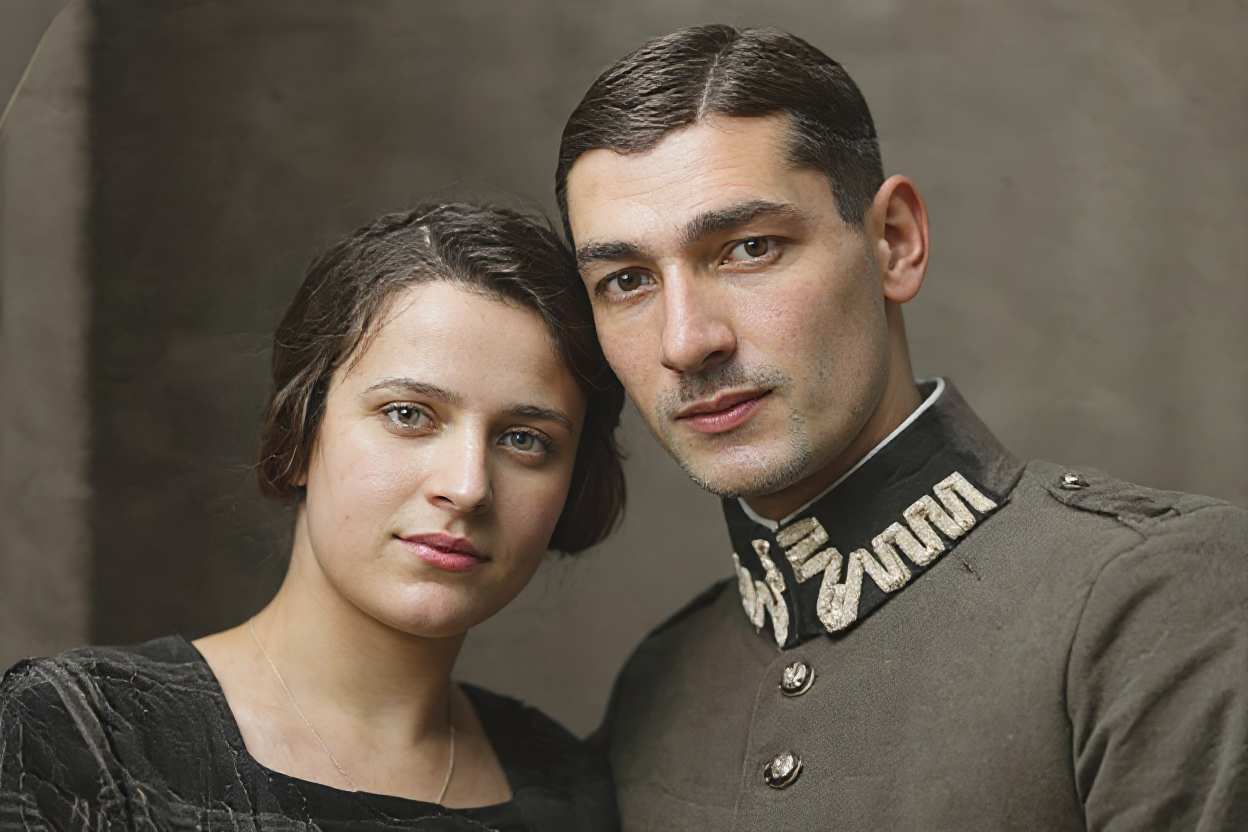 Damaged Restored
 Erase people, text, logos, or any distracting element — the AI fills in the background naturally
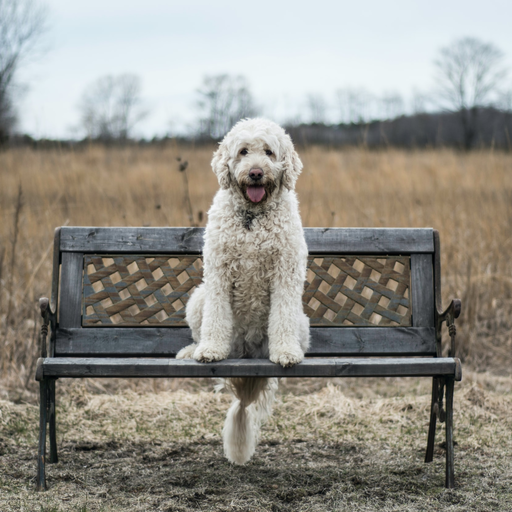
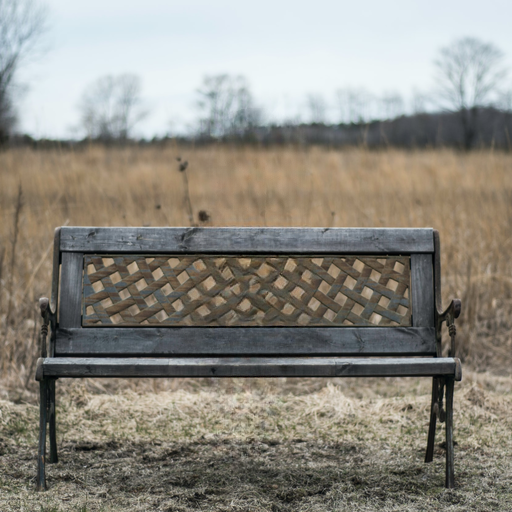 Original Erased
 Enhance blurry or low-resolution images to sharp, crystal-clear HD quality with AI
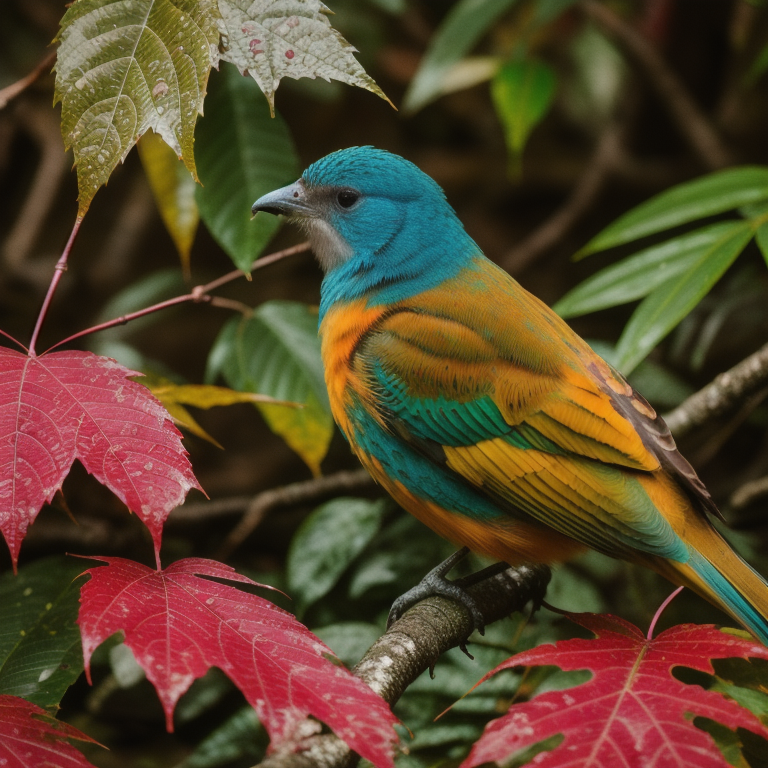
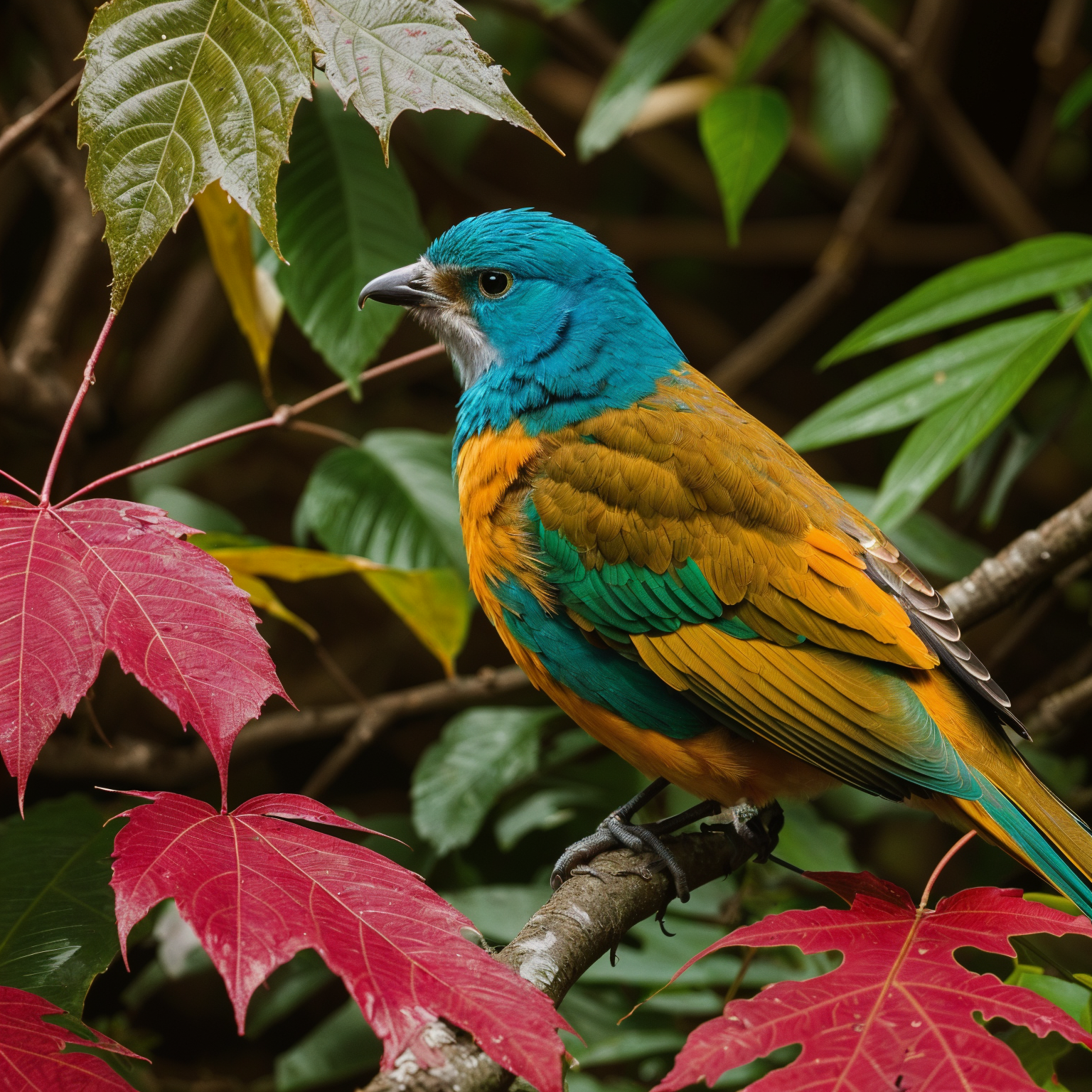 Standard Enhanced
 Transform any photo in three simple steps
Select any image from your gallery, or take a new photo directly with your camera
Pick from colorize, restore, remove objects, or upscale — the AI does the heavy lifting in seconds
Download your enhanced photo in full high-definition resolution, completely watermark-free
Professional manual editing tools alongside the AI features
Frame your shots perfectly with precision cropping and free rotation tools
Apply curated photo filters and creative effects to set the perfect mood
Fine-tune your images with precise adjustments for brightness, contrast, saturation, and more
Save and share your edited photos in full high-definition resolution
Export clean, professional photos without any watermarks or branding overlays
Access powerful AI photo editing and manual tools at no cost — download and start editing today
Everything you need to know about Colora's AI photo editing tools
Colora uses advanced deep learning to analyze the content, textures, and context in black and white photographs, then automatically applies realistic colors. The AI recognizes skin tones, landscapes, clothing, and objects to produce natural-looking results. Simply select your black and white photo, tap the colorize button, and get a vivid full-color image in seconds — no editing skills required.
Absolutely. Colora's AI photo restoration tool automatically detects and repairs scratches, cracks, fading, spots, and other types of damage commonly found in old photographs. It also enhances faces to produce sharper, more natural-looking portraits. Whether your photo is decades old or just slightly worn, the AI can bring it back to pristine condition.
With Colora's AI object removal, simply brush over the unwanted element in your photo — whether it's a person in the background, a power line, text, or any distracting object — and the AI will seamlessly erase it while intelligently reconstructing the background. The result looks natural, as if the object was never there.
AI upscaling increases your photo's resolution while adding genuine detail and sharpness. Unlike basic enlargement that creates blurry results, Colora's AI analyzes your image and intelligently enhances pixel data to produce crisp, clear, high-definition output. It's ideal for old photos, screenshots, or any image you want to print or display at a larger size.
Yes, Colora is free to download and use. You get daily access to all AI tools — colorize, restore, remove objects, and upscale — plus the full suite of manual editing tools including crop, rotate, filters, and adjustments. Edited photos can be exported in full HD resolution without watermarks.
Colora is currently available for Android devices on the Google Play Store. An iOS version for iPhone and iPad is coming soon. The app works on most modern Android phones and tablets with minimal storage requirements.
Start colorizing, restoring, and enhancing your photos today. Free on Android.